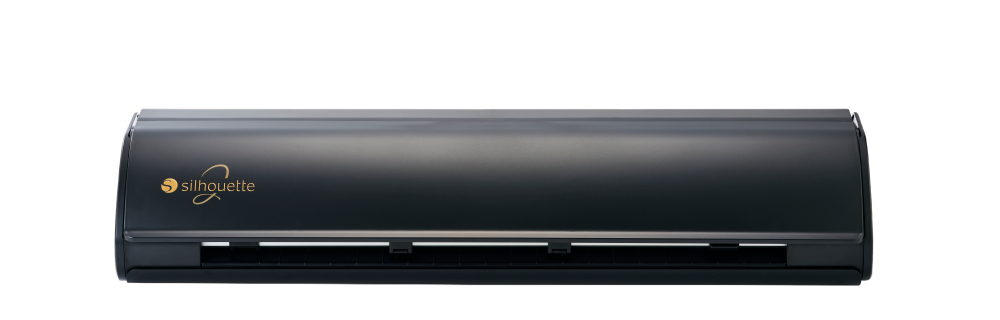
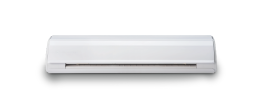
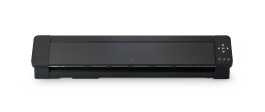
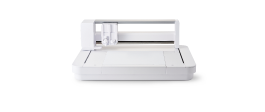
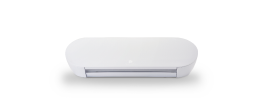
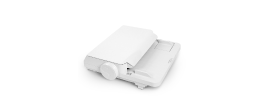
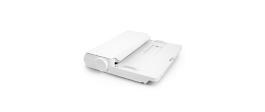
Silhouette CAMEO PRO MK-II

SILH-CAMEO-PRO-2-5T
  €599.00
VAT included. Suggested retail price only; actual prices may vary by country.

What’s included

  • Silhouette CAMEO® PRO MK-II
  • AC Adapter / Power cable set
  • Cutting Mat 60.96 cm (24 inch)
  • AutoBlade (Type B)
  • Skech Pens Adapter
  • Blade adjustment tool
  • Roll Feeder
  • Media support
  • Safety Sheet
  • Silhouette Studio® software (download)
  • User's Manual (download)
  • 100 exclusive designs (available with registration)
  • 1-month Silhouette Design Store subscription (available with registration)
CAMEO PRO MK-II

CAMEO PRO MK-II

Advanced Performance, Effortless Control

The Silhouette CAMEO PRO MK-II combines high performance with effortless control, featuring a 61 cm cutting width that supports larger projects and more efficient workflows.

Advanced Performance, Effortless Control

The Silhouette CAMEO PRO MK-II introduces key enhancements, including a second powered carriage, quieter operation, and an integrated emergency stop function. These improvements provide greater control, enhanced safety, and more stable operation—making it easier to handle a wide range of materials and complete projects efficiently.

Elevated Functionality

Enhanced User Engagement

Effectively utilize materials with enhanced vinyl cutting capabilities. The improvements increase work efficiency through time-saving features, while the quieter operation ensures a more pleasant working environment.

Enhanced User

Larger Cutting Width

With a cutting width of 61 cm (24-inch), one of the largest on the market, the Silhouette CAMEO PRO MK-II enables makers to bring their creative ideas to life on a larger scale, easily accommodating both large designs and the ability to cut multiple smaller designs at the same time.

MKII_7

Heat Foiling

The Heat Pen* allows you to create detailed foil stamped designs on cardstock and faux leather using heat, resulting in a more durable and elegant finish than traditional foiling methods.

* sold separately

See more

Embossing

The Embossing Tool* creates beautiful embossed and debossed effects on paper and foil, allowing for dimensional designs that go beyond what cutting or sketching can achieve.

* sold separately

See more

Sketching

The Pen Holder (Type C)* allows you to incorporate both cutting and sketching in a single project without changing tools, enabling smooth transitions and efficient design workflows.

* sold separately

See more
MKII_4

Improved Stability and Versatility

The Silhouette CAMEO PRO MK-II enhances loadability with additional auxiliary rollers for better stability, ensuring smoother operation. The addition of new power tool capabilities, such as a heat pen, further expands its versatility, allowing for a broader range of creative projects.

Silhouette New Architecture

Silhouette’s proven chassis design, combined with its advanced belt-driven system, ensures unmatched stability and accuracy. Engineered for smooth, precise cuts every time, it provides the reliability creators need for consistent, professional results.

Silhouette New Architecture

Support Long-Length Cutting with the Stand and Basket

The Silhouette Stand* is an accessory that helps you get the most out of your CAMEO PRO MK-II, especially when cutting long materials. It includes an anti-static basket that catches long pieces to keep them off the floor and reduce static electricity. The stand also has wheels, so you can move it around easily. Although it comes unassembled, putting it together is simple with the included instructions.

* sold separately

See more

One Machine. Endless Materials.

Silhouette machines work seamlessly with a wide variety of materials—from paper and vinyl to fabric, cardstock, faux leather and specialty media. This versatility gives creators the freedom to bring nearly any idea to life with ease and precision.

Diverse projects

Powered By Silhouette Studio®

Every Silhouette machine comes with the powerful Silhouette Studio® software. Explore the extensive Silhouette Design Store, import custom fonts and images, or create designs from scratch. Unlock even more features with software upgrades.

Get the user manual here: SS V5.0_User Manual - ENG

Learn More

Technical Specifications

Cutting Area

59 cm x 61 cm (23.2 in. x 24 in.) -- With a Cutting Mat

60 cm x 487.7 cm (23.6 in. x 16 ft.) -- With lined material (when using Roll Feeder)

Maximum Material Thickness

3 mm

Maximum Cutting Speed

300 mm/s

Registration Mark Reading

Yes

Four-point Registration Mark System

Yes

Number of Plunger Mountable

2

Automatic Adjust for AutoBlade(Type B)

yes

Interfaces

USB 2.0 (FULL-speed) / Bluetooth®

Rated Power Supply

AC adapter DC 24V (1.25A)

Power Consumption

27W

Working Environment

10–35 °C, 35–75 % RH (non-condensing)

Guaranteed Operating Environment

16–32 °C, 35–70 % RH (non-condensing)

Unit Dimensions

87.6 cm x 19.5 cm x 17.0 cm (34.49 in. x 7.68 in. x 6.69 in.)

Unit Weight

9.0 kg (19.8 lbs.)

Requires Silhouette Studio® software version

4.5.815 or higher

Minimum System Requirements

Windows 10 or later, macOS 13 or later

Machine features

Matless cutting capabilities

Power tool capability

Automatic tool detection

Four-point registration mark system for refined Print & Cut precision

Adjustable pinch rollers with improved grip strength and ability to customize the position

Dual Cross Cut (equipped with both Auto-cross cutting with the AutoBlade(Type B) and manual-cross cutter)

Quieter operation

Includes a detachable roll feeder and media support

Support Roller attachment (optional add-on accessory)

Wireless cutting with Bluetooth® connectivity

USB cable cutting with direct connectivity

PixScan™ compatible

Driven by Silhouette Studio® giving you limitless design options to customize your projects

Compatible Power Tool

Machine Comparison

Find the right machine at a glance.

Quick Comparison Silhouette CAMEO 5α Silhouette CAMEO 5 Silhouette CAMEO 5α PLUS Silhouette CAMEO 5 PLUS Silhouette CAMEO PRO MK-II Silhouette Portrait 4 Silhouette CURIO 2
Best for Hobby users who want a compact, fast, and affordable machine for creative projects (vinyl, stickers, HTV). All-round creators who want versatility across many materials (paper, vinyl, textiles) with strong precision and modern features. Users needing extra width without going pro— ideal for larger designs (signage, bigger apparel prints) but still hobby-friendly. Advanced hobbyists who want larger cutting width and speed for frequent production work. Small businesses— best for wide-format cutting and high-volume jobs. Beginners with small spaces — perfect for stickers, labels, and smaller papercraft. Makers doing more than just cutting — best for specialty crafting (engraving, etching, leather punching/carving, heat foiling and embossing on thick materials).
Max material width 30.5 cm 12 in. 30.5 cm 12 in. 37.1 cm 14.6 in. 37.1 cm 14.6 in. 60 cm 23.6 in. 21.8 cm 8.6 in. 30.5 cm 12 in.
Print & Cut Yes Yes Yes Yes Yes Yes Yes
Bluetooth Yes Yes Yes Yes Yes Yes Yes
Power tool capability Yes Yes Yes Yes Yes Yes Yes
2nd Tool Holder Yes Yes Yes Yes Yes No Yes
Roll Feeder Optional Included Optional Included Included No No
Electrostatic Mat Optional Optional Optional Optional No Optional Included
Crosscut Auto Auto Auto Auto Auto / Manual Auto No
Registration marks 4-point 3-point 4-point 3-point 4-point 3-point 3-point

Technical Specifications

Compare detailed specifications side by side.

Specifications Silhouette CAMEO 5α Silhouette CAMEO 5 Silhouette CAMEO 5α PLUS Silhouette CAMEO 5 PLUS Silhouette CAMEO PRO MK-II Silhouette Portrait 4 Silhouette CURIO 2
Media Clearance 3 mm 3 mm 3 mm 3 mm 3 mm 2 mm 20 mm
Max cutting depth 3 mm 3 mm 3 mm 3 mm 3 mm 2 mm 3 mm
Max cutting speed 300 mm/s 300 mm/s 300 mm/s 300 mm/s 300 mm/s 100 mm/s 100 mm/s
Max sketching speed 400 mm/s 300 mm/s 400 mm/s 300 mm/s 300 mm/s 100 mm/s 100 mm/s
Max cutting size (with a cutting mat) 30.5 × 61 cm 12 × 24 in. 30.5 × 61 cm 12 × 24 in. 37.1 × 38.1 cm 14.6 × 15 in. 37.1 × 38.1 cm 14.6 × 15 in. 59.0 × 61.0 cm 23.2 × 24 in. 21.6 × 30.5 cm 8.5 × 12 in. 30.5 × 30.5 cm 12 × 12 in.
Max cutting size (without a cutting mat) 29.5 cm × 4.88 m 11.6 in. × 16 ft. 29.5 cm × 4.88 m 11.6 in. × 16 ft. 37.1 cm × 4.88 m 14.6 in. × 16 ft. 37.1 cm × 4.88 m 14.6 in. × 16 ft. 60.0 cm × 4.88 m 23.6 in. × 16 ft. 21.8 cm × 1.37 m 8.6 in. × 4.5 ft. 30.5 × 30.5 cm 12 × 12 in.
Carriage type Dual Tool Holder Dual Tool Holder Dual Tool Holder Dual Tool Holder Dual Tool Holder Single Tool Holder Dual Tool Holder
Unit size 56.6 × 17.6 × 12.4 cm 56.6 × 17.6 × 12.4 cm 64.2 × 17.6 × 12.4 cm 64.2 × 17.6 × 12.4 cm 87.6 × 19.5 × 17.0 cm 44.0 × 16.3 × 12.4 cm 61.1 × 50.5 × 23.9 cm
Unit weight 5.2 kg 5.2 kg 5.7 kg 5.7 kg 9.0 kg 2.0 kg 10.8 kg
Navigation Touch panel Touch panel Touch panel Touch panel Touch panel Buttons Touch panel
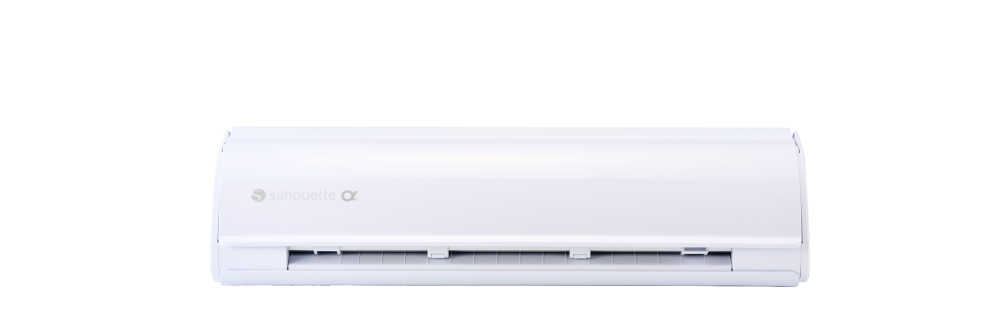
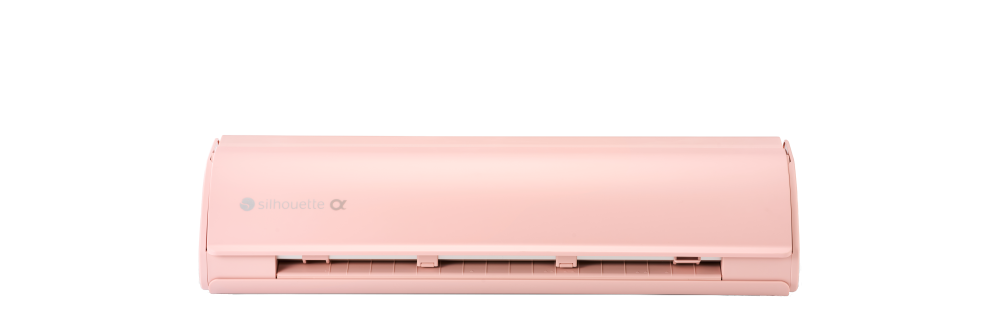
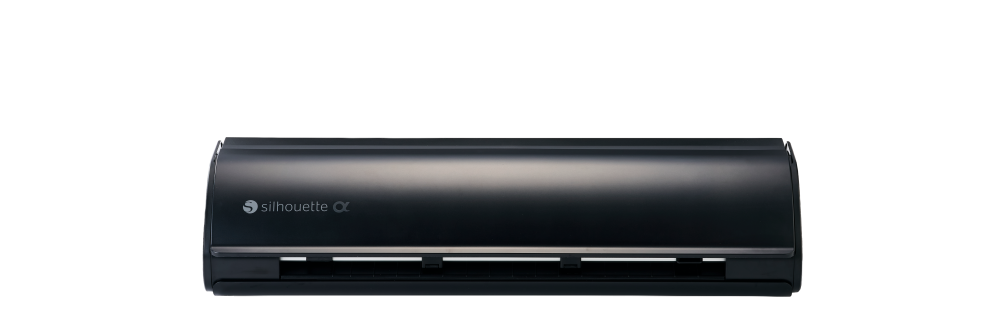
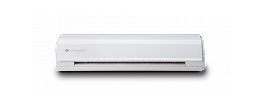
Color options Classic White
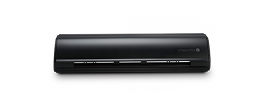
Matte Black
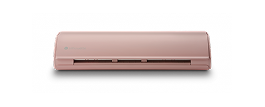
Matte Pink
Classic White
Matte Black
Matte Pink
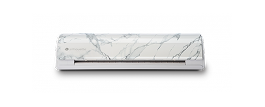
Bianco Carrara
Matte Black Classic White Matte Black Classic White Classic White

Blades and Tool Compatibility

Compare detailed specifications side by side.

Blade / Tool Silhouette CAMEO 5α Silhouette CAMEO 5 Silhouette CAMEO 5α PLUS Silhouette CAMEO 5 PLUS Silhouette CAMEO PRO MK-II Silhouette Portrait 4 Silhouette CURIO 2
Blade (Ratchet)
AutoBlade (Type B)
Premium Blade
Deep-Cut Blade
2 mm Kraft Blade
2 mm Kraft Blade (Type B)
3 mm Kraft Blade
Manual Blade (1 mm)
Manual Blade (2 mm)
Rotary Blade
Punch Tool
Pen Holder (Type B)
Tool Adapter Set
Heat Pen Tool
Embossing Tool (Type C)
Pen Holder (Type C)
Power Engraver Tool
Leather Punch Tool
Leather Carving Knife Tool

Compatible
Compatible with Tool Adapter Set, though using the successor blade is recommended

Register Machine

Register your Machine

Register your machine by providing the serial number and purchase information. Click here for more information.

Register now
Design Store Logo

Free 1-month Silhouette Design Store subscription

Enjoy a free 1-month subscription to the Silhouette Design Store when you register your machine.

Explore Design Store